
Why don't some video calls work between iPhone and Android?
Some video calling apps are built into one phone maker's system, and they only call phones of the same kind. That works well until a friend, a tutor or a coach has the other kind of phone. Then the call quietly fails, or one of you has to install something new and set up another account just to talk.
Other apps do work on both, but only if both people have installed the same app and signed up. That's fine for a group of friends, and less fine when you want to talk to someone new today.
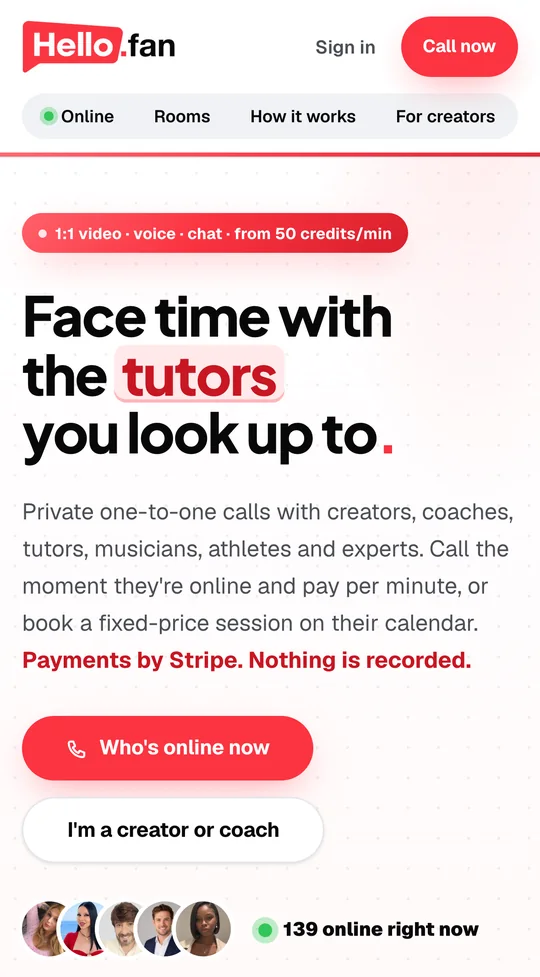
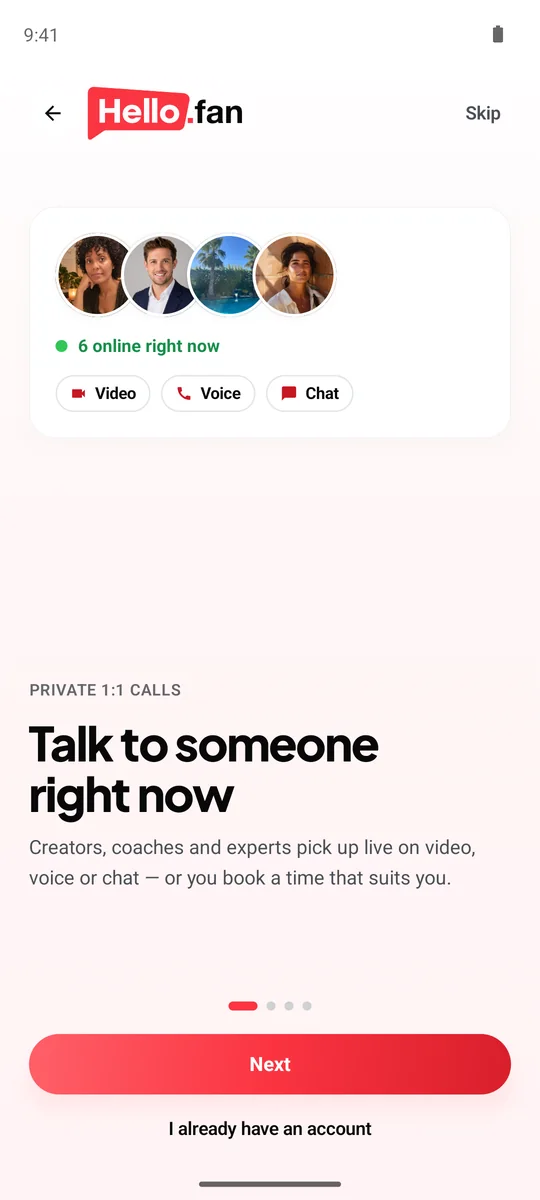
A browser call sidesteps the problem. Every phone has a browser, and a web page doesn't care who made the phone it runs on. That's the approach hello.fan takes: on your iPhone you call from Safari or Chrome, no app needed, and on Android you call from the app or from Chrome. Nobody has to switch phones, and nobody has to check what the other person uses first.
If everyone you call has the same kind of phone, the built-in option is hard to beat. For mixed phones, our browser video chat guide explains how web calls work.
How do an iPhone and an Android phone end up on the same call?
On hello.fan, fans call creators, coaches, tutors and experts. Which phone either side uses doesn't change anything about the call. A few real-world combinations:
- You're on an iPhone. Open hello.fan in Safari or Chrome, allow the camera and microphone, and call. The tutor you picked might be on the Android app, where your call rings like a phone call, or on a laptop. You don't need to know.
- You're on Android. Call from the app or from Chrome. The coach on the other end might be using Safari on an iPhone. The call connects the same way.
- You switch devices. Call from an Android phone at home and from an iPhone at work another day. It's the same hello.fan in both places.
The iOS app is on its way. Until it arrives, the browser is how people on an iPhone join, with video, voice and chat all there. For setup on each side, see our pages on video chat on iPhone and video chat on Android.

What stays the same on every phone?
A mixed iPhone and Android call isn't a lesser version of the call. What hello.fan offers comes from the call itself, not from the phone, so both sides get the same features.
- Video, voice and chat. Start on video and drop to voice if the signal weakens, or keep it to chat.
- Live translated subtitles in 30 languages. Useful when the person on the other phone speaks another language, and chat translates itself too.
- 21 free camera filters for a little polish, with no extra app needed.
- The same privacy. Nothing is recorded, your phone number stays private, and block and report are built into every call.
- The same billing. Ringing is free, and you pay per started 15 seconds, only while you're both connected.
What does differ is mostly the room around each phone: the light, the Wi-Fi and the background noise. A window in front of you and a steady connection matter more than which logo is on the back. Read about live translation on hello.fan.
Can you call a friend who has the other kind of phone?
Yes. Sometimes you want to video chat iPhone to Android with someone who isn't a creator at all, like a friend or a relative on the other kind of phone. hello.fan's private rooms are made for that.
The host pays one flat price and shares a link or a 5-digit code. The guest opens the link or types the code in their browser and joins. They need no account, and nothing is stored. Because both sides join through a web page, it makes no difference whether the host has an iPhone and the guest an Android phone, or the other way around.
- Send the link in any message app the two of you already share.
- Or read the 5-digit code out on a normal phone call.
- The guest doesn't install anything or sign up.
Rooms keep the same privacy basics as every call on hello.fan: nothing is recorded, and phone numbers stay private. It's a simple way around the same-phone problem when the person you want to see just has a different phone. See how private rooms work.
hello.fan vs same-phone video calling
| hello.fan | Same-phone video calling | |
|---|---|---|
| iPhone to Android | Yes, on the same call | Only between phones of the same kind |
| What each side needs | A browser, or the Android app | The same kind of phone |
| Who you can call | Creators you choose, or a guest in a private room | Contacts with the same kind of phone |
| Subtitles | Live translated subtitles in 30 languages | Depends on the phone |
| Best for | Mixed phones, and talking to someone new | Friends and family who all have the same kind of phone |
How to start
- iPhone: Safari or Chrome. Go to hello.fan and allow the camera and microphone; no app needed.
- Android: the app or Chrome. Use the hello.fan app from Google Play, or open hello.fan in Chrome.
- Join the same call. Call a creator who is online, or share a private room link or 5-digit code with a friend.
Frequently asked questions
Can an iPhone video chat with an Android phone?
Yes, on hello.fan. The iPhone joins in Safari or Chrome, no app needed, and the Android phone uses the hello.fan app or Chrome. It's one service, so both are on the same 1:1 call with video, voice and chat.
Do both people need the same app?
No. On Android you can use the hello.fan app or Chrome. On your iPhone, hello.fan works in Safari or Chrome, no app needed, and the iOS app is on its way. Nobody needs a matching phone.
Will the call look worse on one of the phones?
Usually what matters most is each person's connection and light, not the kind of phone. Use Wi-Fi when you can, face a window, and switch to a voice call if the picture stutters.
Can my friend on Android join without an account?
Yes, in a private room. The host pays one flat price and shares a link or a 5-digit code. The guest joins in their browser with no account needed, and nothing is stored.
What if we speak different languages?
Calls on hello.fan have live translated subtitles in 30 languages, and chat translates itself, on either kind of phone. That makes it easy to practice a language or talk with someone abroad.
Published by Premiums Only LLC, the company behind hello.fan and store.fan. We recommend our own platforms — and say when another kind of tool fits you better. How we write.